 Image 1 of 1
Master Tools: The Luxury Property Edit System
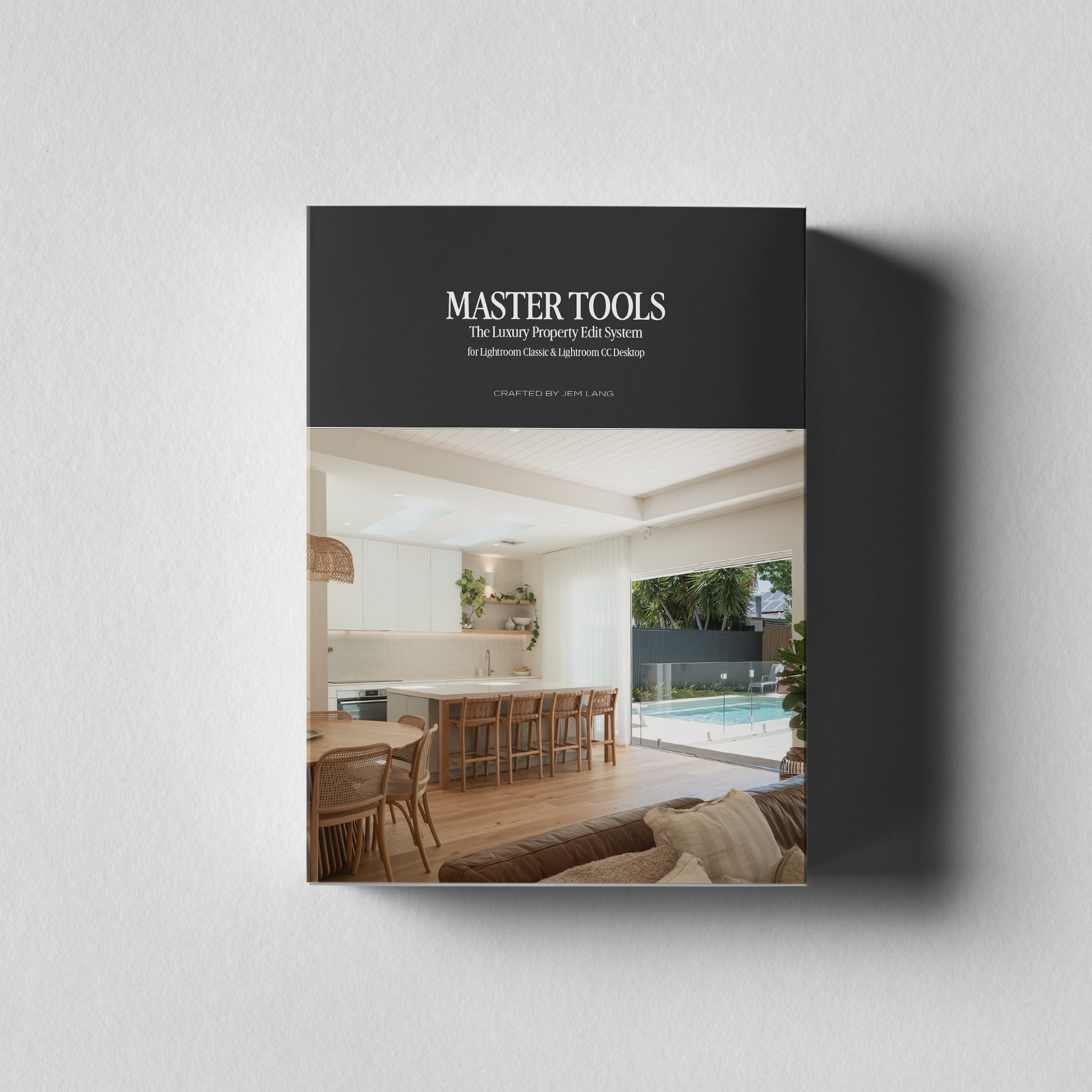
MASTER TOOLS: The Luxury Property Edit System for Lightroom Classic & Lightroom CC Desktop
This isn’t a preset pack. It’s a system.
Most preset packs give you a one-click filter and leave you fighting the result. Master Tools was built differently, around a single principle that changes the way you edit: tones and colour are handled separately.
That means every stage of your edit has a clear role. You build from the foundation up, with full control at every step. The result is consistent, high-end work that makes every property look like it’s worth booking.
WHAT’S INCLUDED
A. Base (7 presets). Your tonal foundation. From high-impact dynamic contrast to a refined editorial matte, choose the starting point that suits the scene, not a one-size-fits-all default.
B. Look (9 presets). The colour and mood of your image, without touching your exposure. Warm and grounded. Crisp and coastal. Vibrant and confident. Nine distinct looks to match any property, any light.
C. Light (3 presets). Subtle tools that shape how light feels. Highlight warmth, soft glow global, and soft glow highlights. Optional, but transformative.
D. Touch (4 presets). Grain in three strengths and a light vignette. Adds analogue depth and a composed, finished quality without sacrificing the polish that property work demands.
E. Mask (2 presets). Targeted fixes for the problems that slow you down. Sky Saver recovers blown highlights. Wall Desaturation neutralises competing colour casts. Both applied precisely, without touching the rest of your edit.
F. Utility (3 presets). Workflow tools that keep your edit flexible. Reset your Base without losing your Look. Swap colour grades without starting over. Stay in flow.
The Master Tools Guide. A 16-page PDF walkthrough covering the layer system, recommended combinations for every property type, and an HDR and window pull workflow, so you’re editing with confidence from day one.
YOUR FIRST EDIT TAKES 30 SECONDS
Apply a Base, set your exposure and white balance, choose a Look, then layer in Light, Touch, and finishing tools as needed.
You can swap your Base or Look at any point without breaking your edit.
BUILT FOR LIGHTROOM CLASSIC & LIGHTROOM CC DESKTOP
Master Tools is built for Lightroom Classic and Lightroom CC Desktop, where the full system performs at its best. It also runs in Lightroom Mobile. A few of the Look presets use the Color Calibration panel, which Mobile doesn’t yet include, so those apply with a minor variation. The look still holds, and the rest of the system works exactly as designed.
WHO THIS IS FOR
Master Tools is for property photographers who are done settling for inconsistent results. Whether you shoot short-term rentals, luxury real estate, or high-end interiors, if your editing needs to match the standard of the spaces you shoot, this is the system that gets you there.
If your clients need images that stand out in a crowded market and actually drive bookings or sales, this was built for you.
It also works beautifully for high-end interior and luxury real estate photography.
Consistent. Refined. Professional.
Crafted by Jem Lang | jemlang.com
MASTER TOOLS: The Luxury Property Edit System for Lightroom Classic & Lightroom CC Desktop
This isn’t a preset pack. It’s a system.
Most preset packs give you a one-click filter and leave you fighting the result. Master Tools was built differently, around a single principle that changes the way you edit: tones and colour are handled separately.
That means every stage of your edit has a clear role. You build from the foundation up, with full control at every step. The result is consistent, high-end work that makes every property look like it’s worth booking.
WHAT’S INCLUDED
A. Base (7 presets). Your tonal foundation. From high-impact dynamic contrast to a refined editorial matte, choose the starting point that suits the scene, not a one-size-fits-all default.
B. Look (9 presets). The colour and mood of your image, without touching your exposure. Warm and grounded. Crisp and coastal. Vibrant and confident. Nine distinct looks to match any property, any light.
C. Light (3 presets). Subtle tools that shape how light feels. Highlight warmth, soft glow global, and soft glow highlights. Optional, but transformative.
D. Touch (4 presets). Grain in three strengths and a light vignette. Adds analogue depth and a composed, finished quality without sacrificing the polish that property work demands.
E. Mask (2 presets). Targeted fixes for the problems that slow you down. Sky Saver recovers blown highlights. Wall Desaturation neutralises competing colour casts. Both applied precisely, without touching the rest of your edit.
F. Utility (3 presets). Workflow tools that keep your edit flexible. Reset your Base without losing your Look. Swap colour grades without starting over. Stay in flow.
The Master Tools Guide. A 16-page PDF walkthrough covering the layer system, recommended combinations for every property type, and an HDR and window pull workflow, so you’re editing with confidence from day one.
YOUR FIRST EDIT TAKES 30 SECONDS
Apply a Base, set your exposure and white balance, choose a Look, then layer in Light, Touch, and finishing tools as needed.
You can swap your Base or Look at any point without breaking your edit.
BUILT FOR LIGHTROOM CLASSIC & LIGHTROOM CC DESKTOP
Master Tools is built for Lightroom Classic and Lightroom CC Desktop, where the full system performs at its best. It also runs in Lightroom Mobile. A few of the Look presets use the Color Calibration panel, which Mobile doesn’t yet include, so those apply with a minor variation. The look still holds, and the rest of the system works exactly as designed.
WHO THIS IS FOR
Master Tools is for property photographers who are done settling for inconsistent results. Whether you shoot short-term rentals, luxury real estate, or high-end interiors, if your editing needs to match the standard of the spaces you shoot, this is the system that gets you there.
If your clients need images that stand out in a crowded market and actually drive bookings or sales, this was built for you.
It also works beautifully for high-end interior and luxury real estate photography.
Consistent. Refined. Professional.
Crafted by Jem Lang | jemlang.com