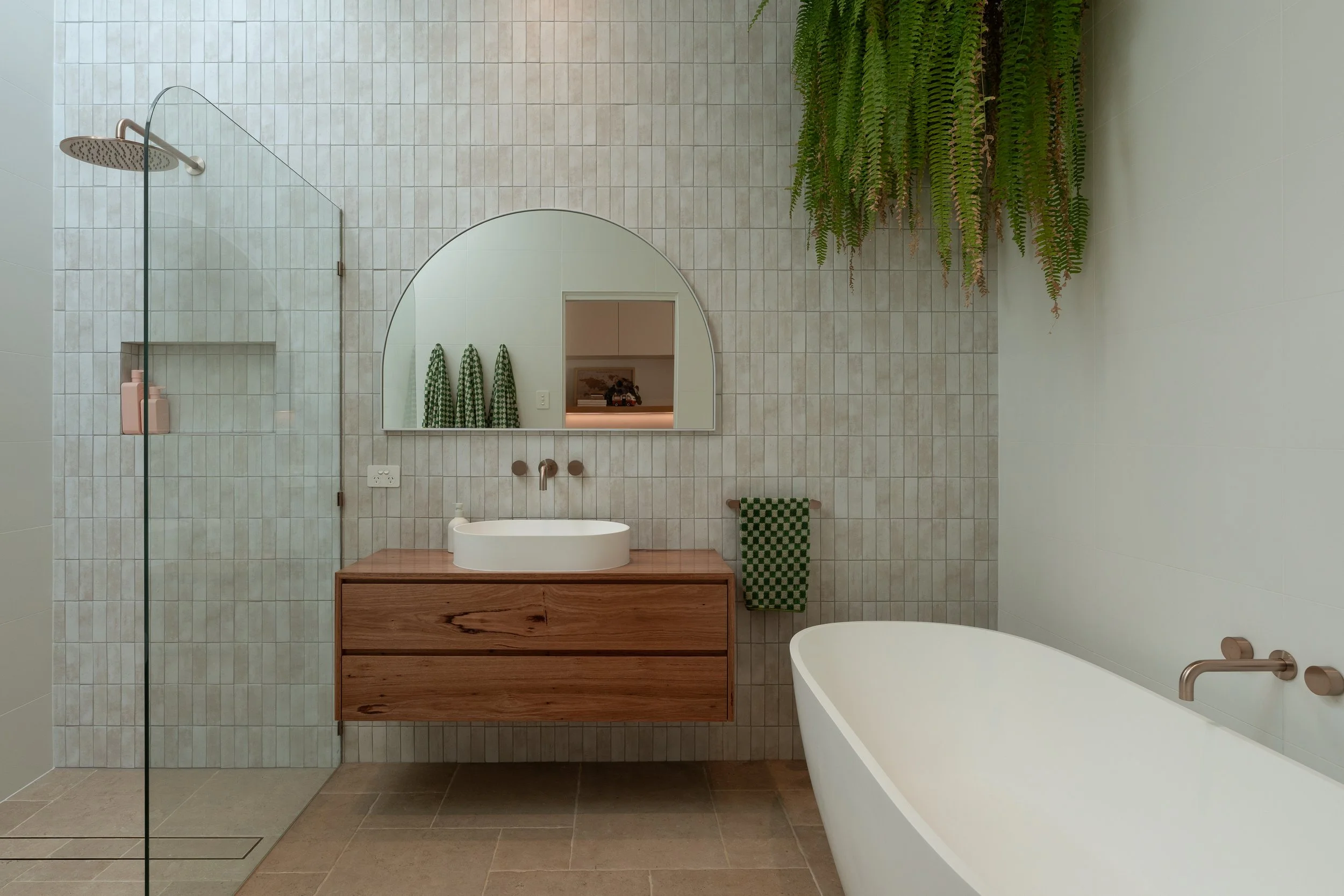
Your presets weren't built for property. This system was.
Built for short-term rental, luxury real estate, and interior photographers who need their edits to match the standard of the spaces they shoot — without spending hours getting there.
MASTER TOOLS: The Luxury Property Edit System for Lightroom Classic & Lightroom CC Desktop
This isn’t a preset pack. It’s a system.
Most preset packs give you a one-click filter and leave you fighting the result. Master Tools was built differently, around a single principle that changes the way you edit: tones and colour are handled separately.
That means every stage of your edit has a clear role. You build from the foundation up, with full control at every step. The result is consistent, high-end work that makes every property look like it’s worth booking.
WHAT’S INCLUDED
A. Base (7 presets). Your tonal foundation. From high-impact dynamic contrast to a refined editorial matte, choose the starting point that suits the scene, not a one-size-fits-all default.
B. Look (9 presets). The colour and mood of your image, without touching your exposure. Warm and grounded. Crisp and coastal. Vibrant and confident. Nine distinct looks to match any property, any light.
C. Light (3 presets). Subtle tools that shape how light feels. Highlight warmth, soft glow global, and soft glow highlights. Optional, but transformative.
D. Touch (4 presets). Grain in three strengths and a light vignette. Adds analogue depth and a composed, finished quality without sacrificing the polish that property work demands.
E. Mask (2 presets). Targeted fixes for the problems that slow you down. Sky Saver recovers blown highlights. Wall Desaturation neutralises competing colour casts. Both applied precisely, without touching the rest of your edit.
F. Utility (3 presets). Workflow tools that keep your edit flexible. Reset your Base without losing your Look. Swap colour grades without starting over. Stay in flow.
The Master Tools Guide. A 16-page PDF walkthrough covering the layer system, recommended combinations for every property type, and an HDR and window pull workflow, so you’re editing with confidence from day one.
YOUR FIRST EDIT TAKES 30 SECONDS
Apply a Base, set your exposure and white balance, choose a Look, then layer in Light, Touch, and finishing tools as needed.
You can swap your Base or Look at any point without breaking your edit.
BUILT FOR LIGHTROOM CLASSIC & LIGHTROOM CC DESKTOP
Master Tools is built for Lightroom Classic and Lightroom CC Desktop, where the full system performs at its best. It also runs in Lightroom Mobile. A few of the Look presets use the Color Calibration panel, which Mobile doesn’t yet include, so those apply with a minor variation. The look still holds, and the rest of the system works exactly as designed.
WHO THIS IS FOR
Master Tools is for property photographers who are done settling for inconsistent results. Whether you shoot short-term rentals, luxury real estate, or high-end interiors, if your editing needs to match the standard of the spaces you shoot, this is the system that gets you there.
If your clients need images that stand out in a crowded market and actually drive bookings or sales, this was built for you.
It also works beautifully for high-end interior and luxury real estate photography.
Consistent. Refined. Professional.
Crafted by Jem Lang | jemlang.com
Jem Lang Master Tools — The Luxury Property Edit System
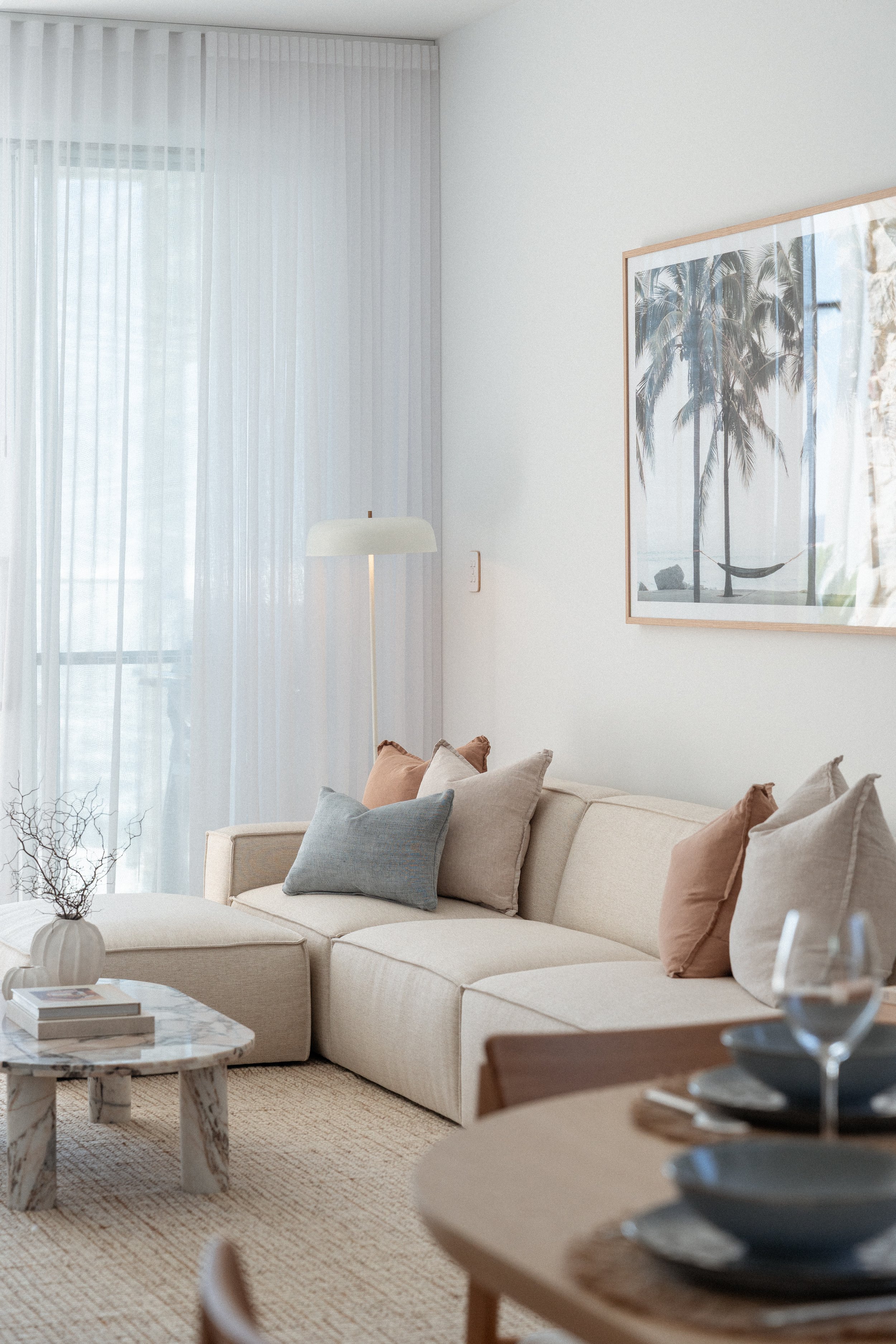
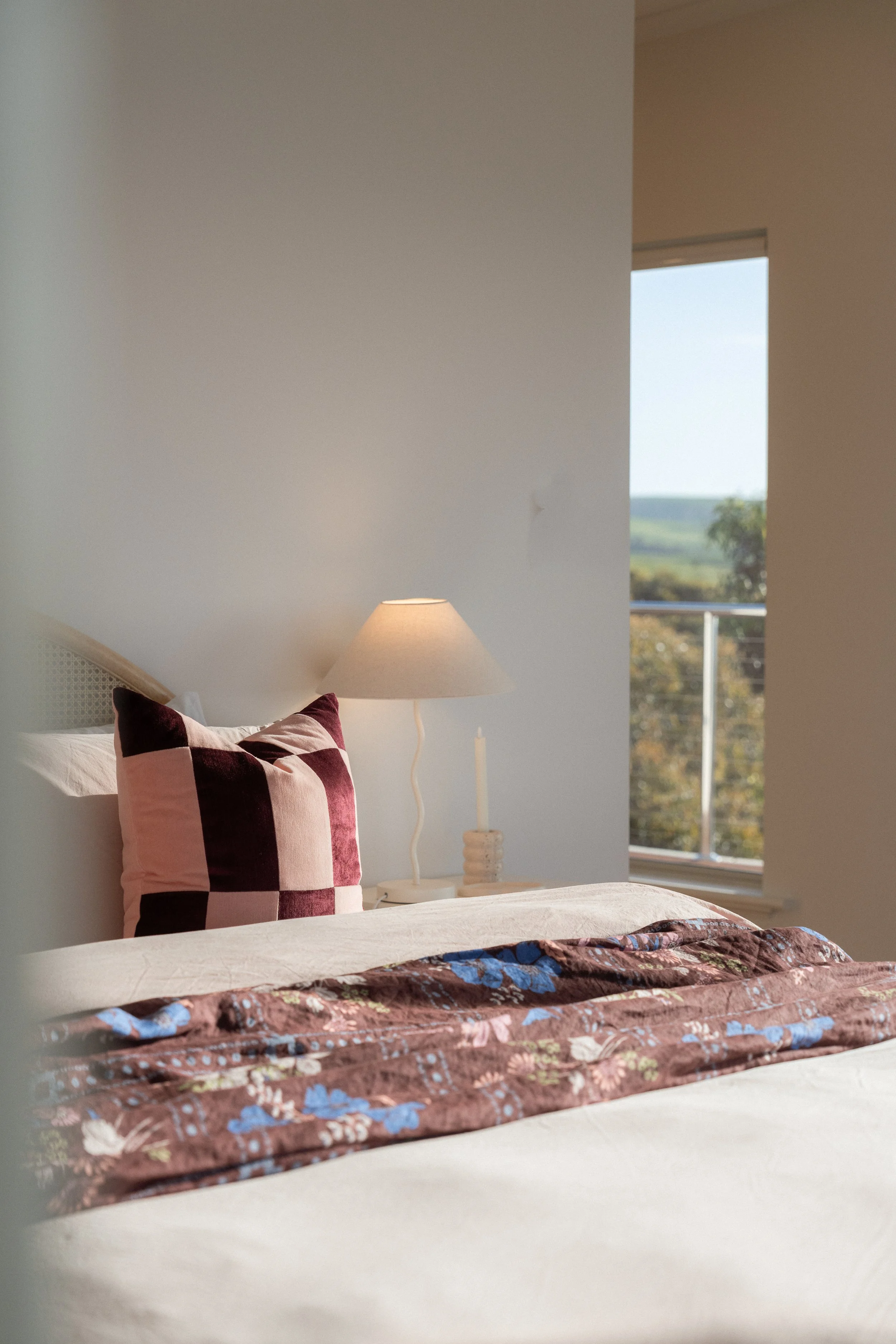
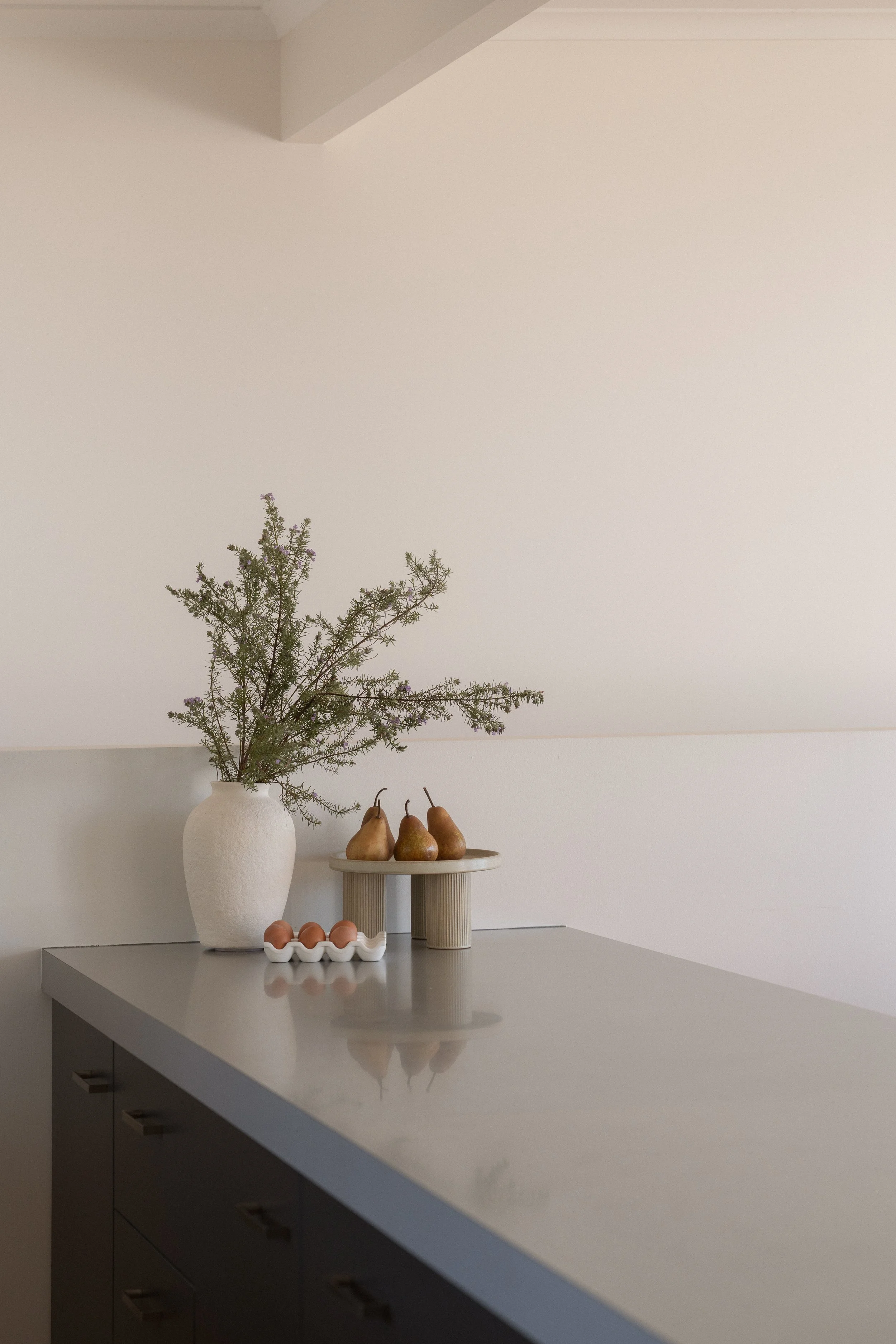
Master Tools is a professional Lightroom preset system built for property and interior photographers who need consistent, high-end results across every shoot — from entry-level short-term rentals to high-end luxury homes. Every property has its own character, its own light, its own challenges. Master Tools is designed to meet those conditions rather than fight them, giving you a modular, step-by-step system that adapts to the space in front of you. Instead of aggressive one-click filters that flatten your images, it separates your dynamic range work from your colour grading — keeping your editing precise, intentional, and fast. The result is a gallery that feels cohesive, premium, and polished every time, without the hours of manual correction. Fully compatible with HDR, window pull, and bracket shooting workflows.
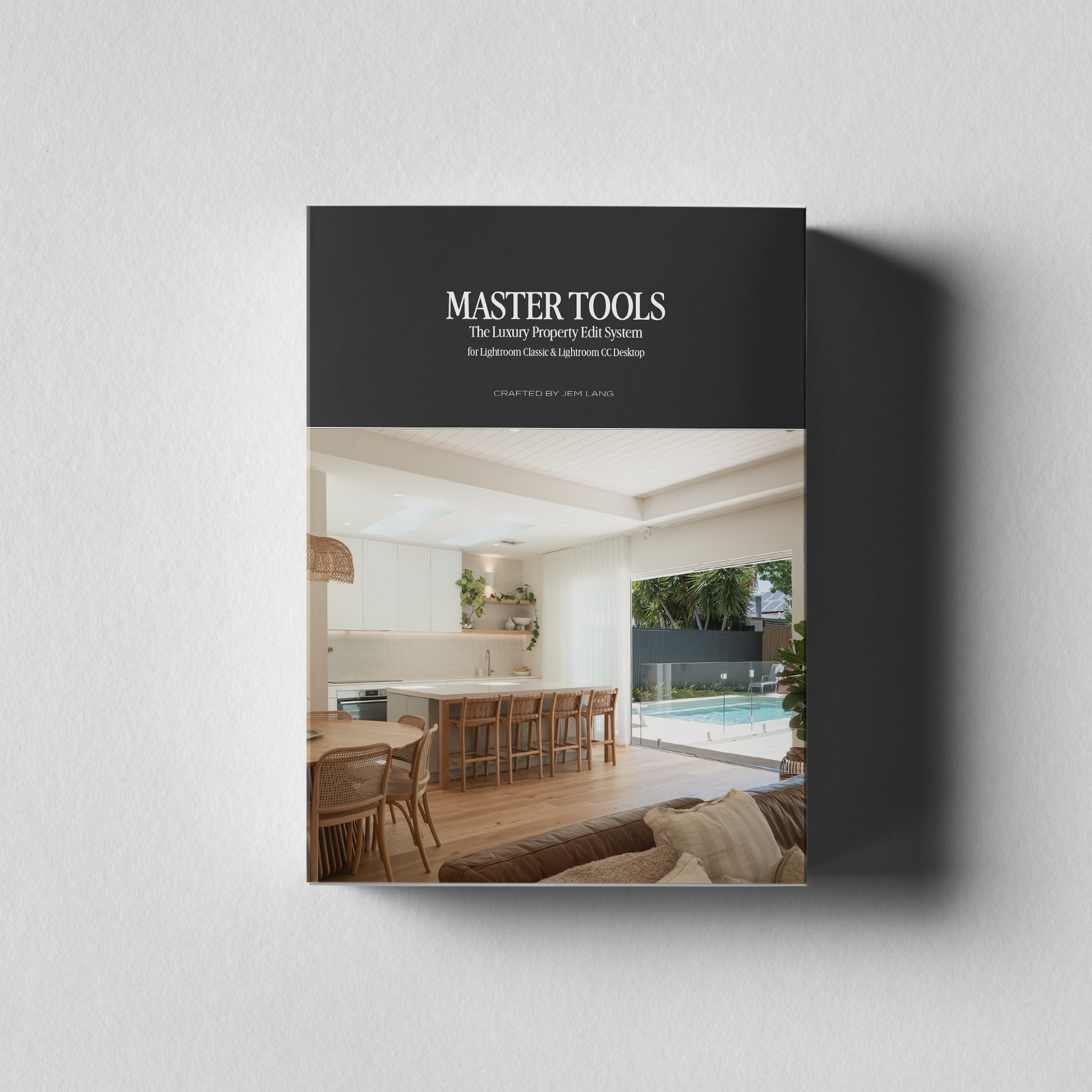
WHAT’S INCLUDED
Layered preset system — dynamic range and colour grading stages work independently for precise, fast results
Step-by-step instructions — Detailed workflow to get you editing in no time, including suggestions for great combinations for different properties.
Built for Lightroom Classic and Lightroom CC Desktop — with mobile support
HDR, window pull, and bracket workflow support — handles the real challenges of property shooting
Instant digital download — yours immediately after purchase
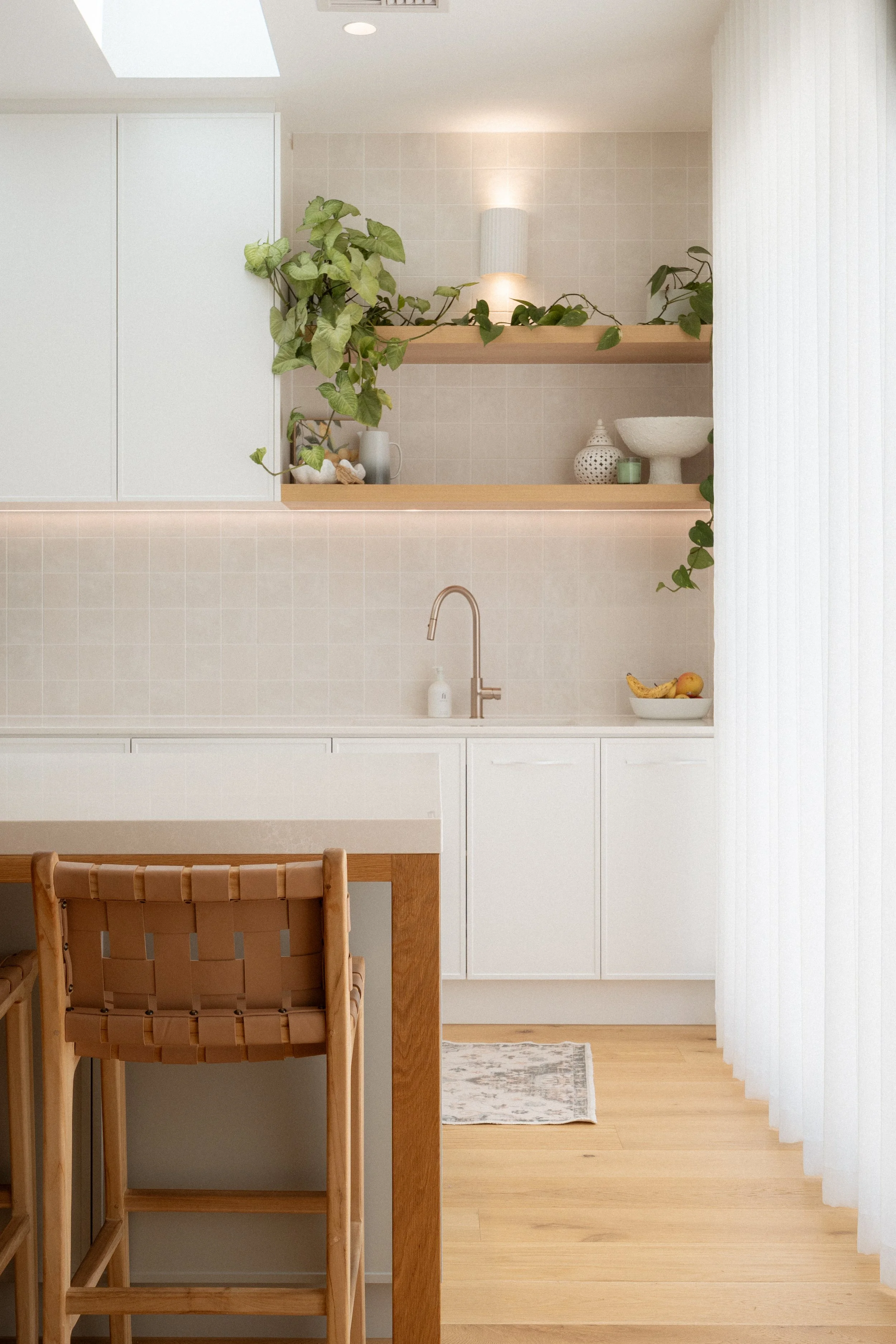
Built for the way you actually shoot.
Luxury tones that hold across rooms — designed for the inviting, layered light of premium short-term rentals, not generic home shoots.
HDR, window pull, and bracket shooting ready — built to handle the challenging exposures that define interior and property photography, without losing colour integrity.
Adaptable across property types — from minimalist interiors to warmly styled retreats, the system gives you a consistent foundation to refine rather than start from scratch on every job.
Refined on real client shoots, not test shots — developed through actual Airbnb, Short-term rentals and luxury property work across hundreds of properties, so it performs where it counts.

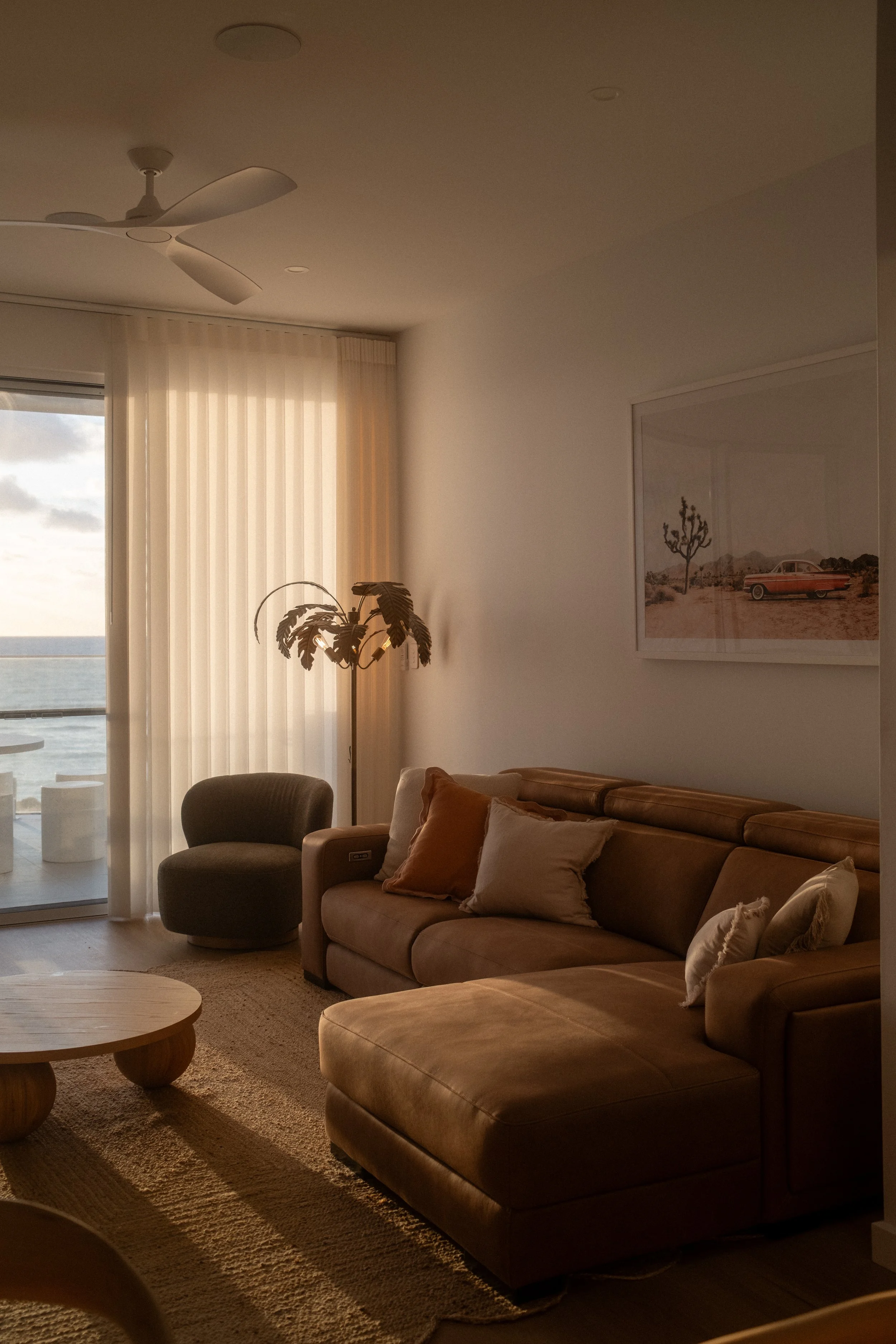
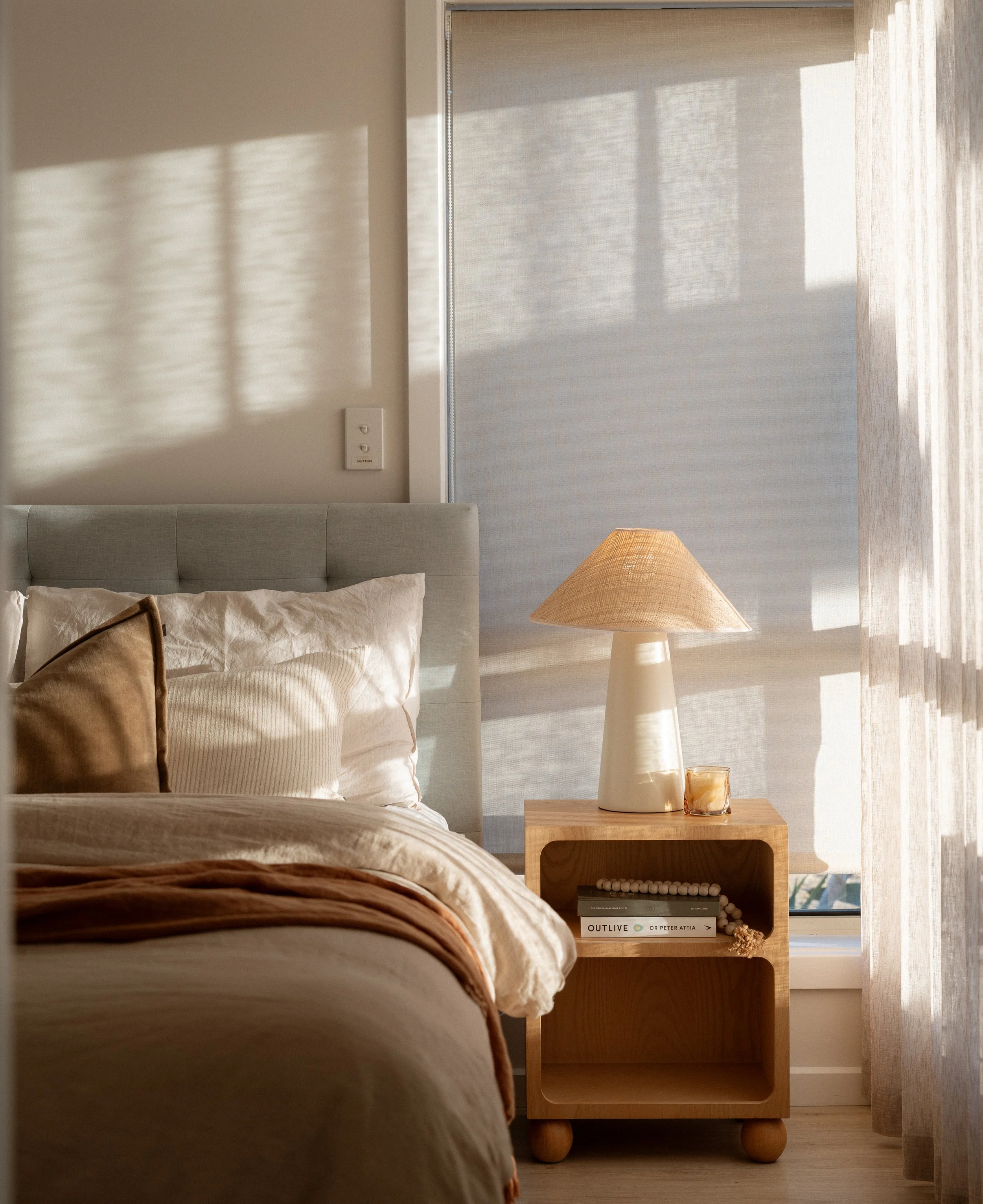

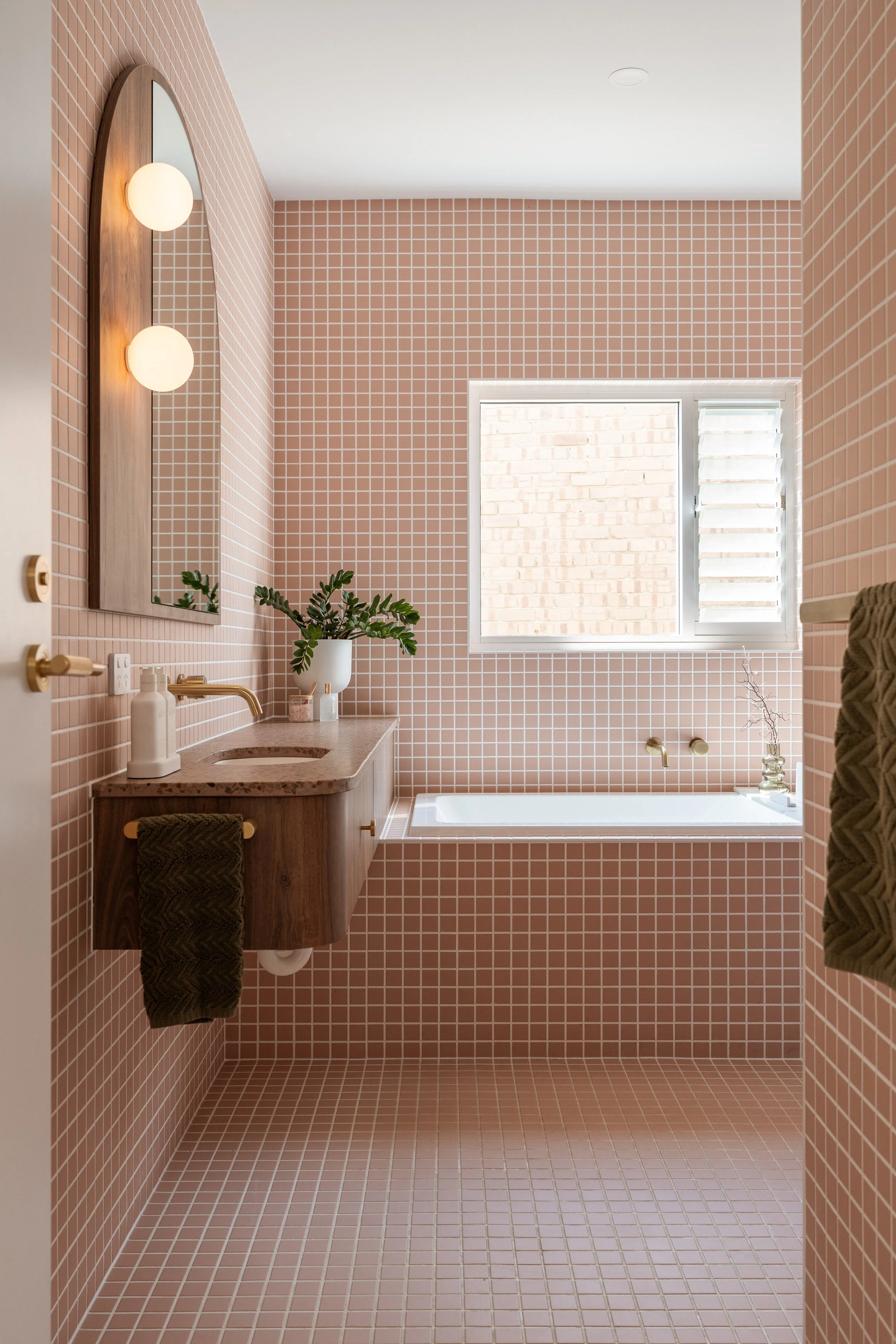
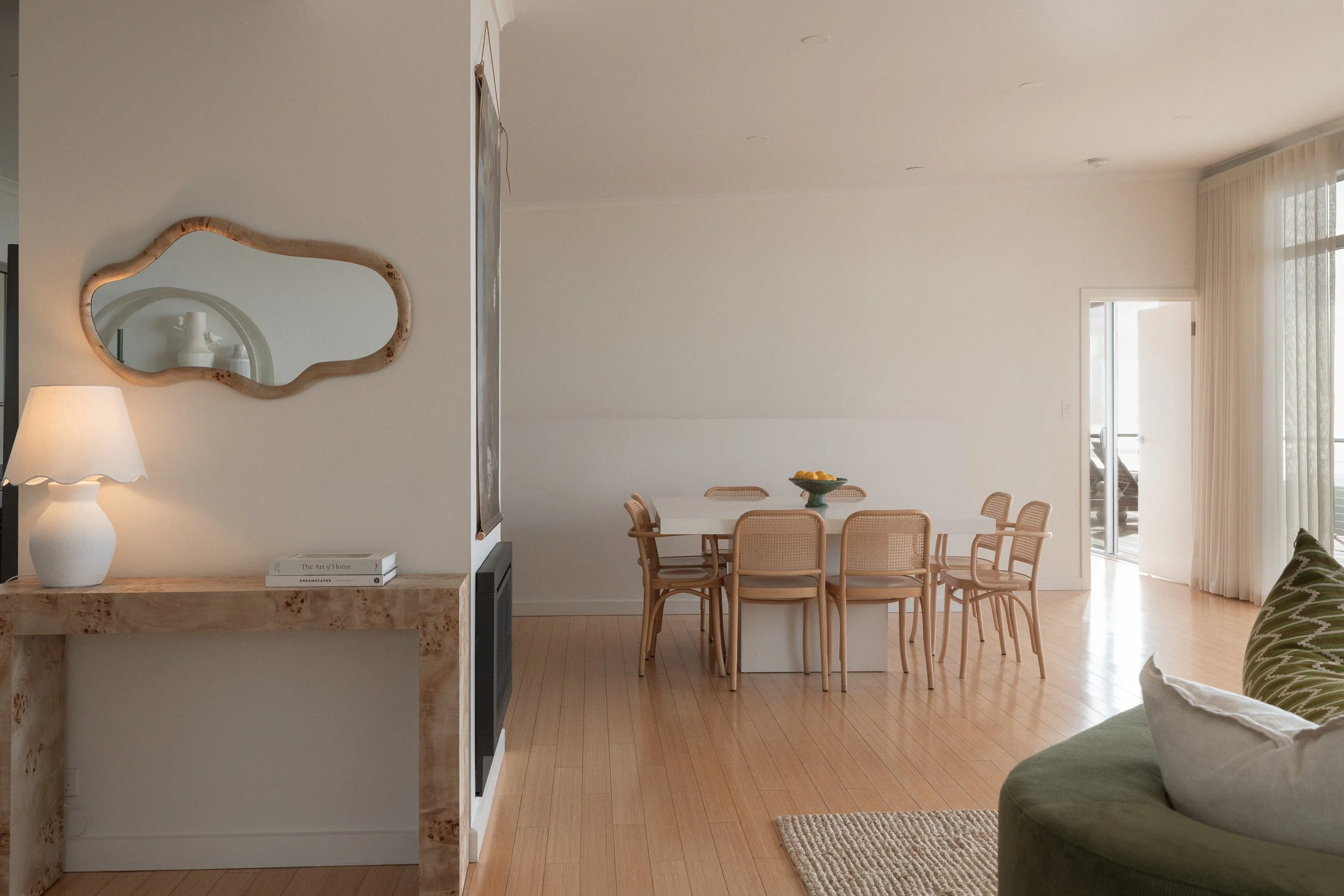
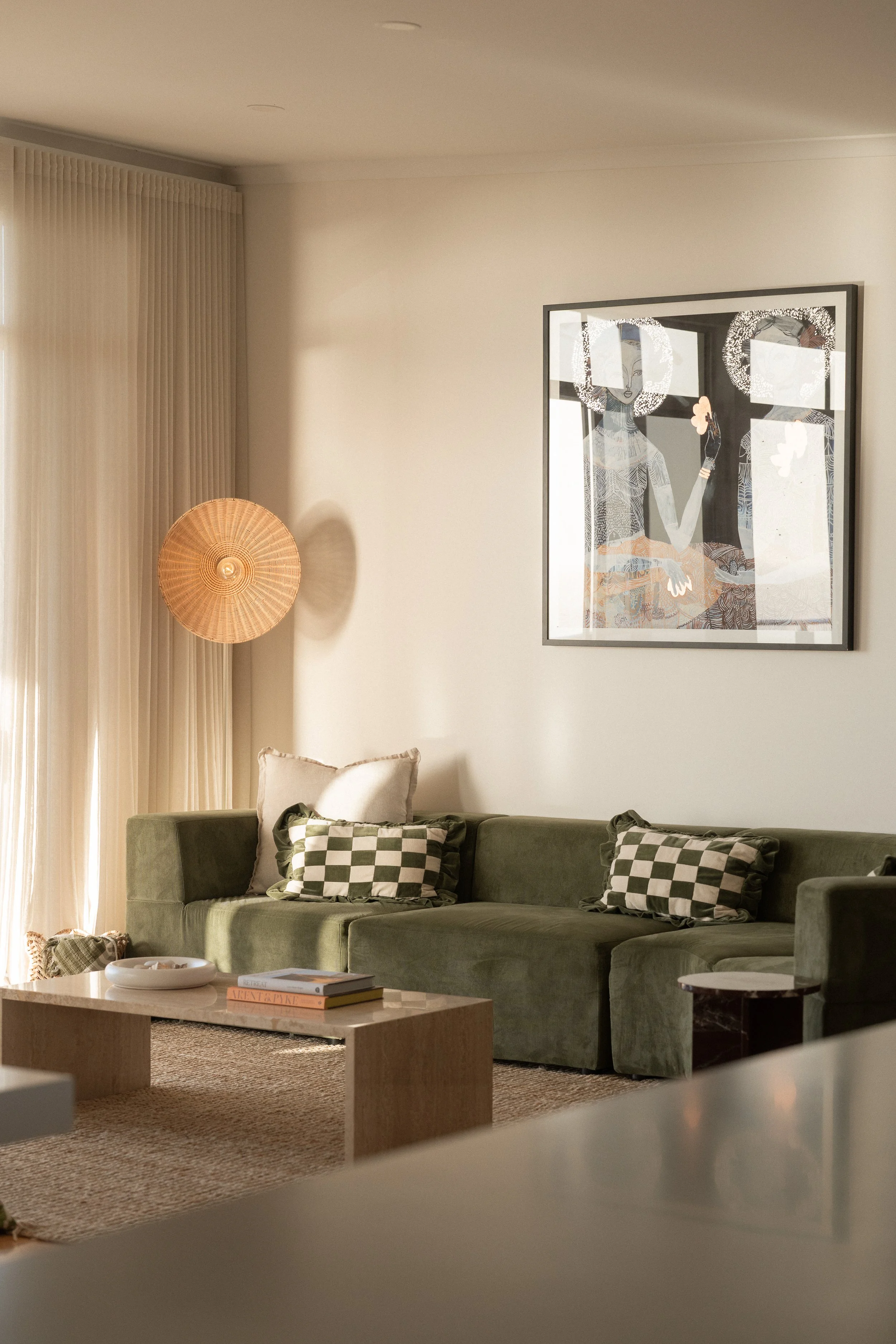
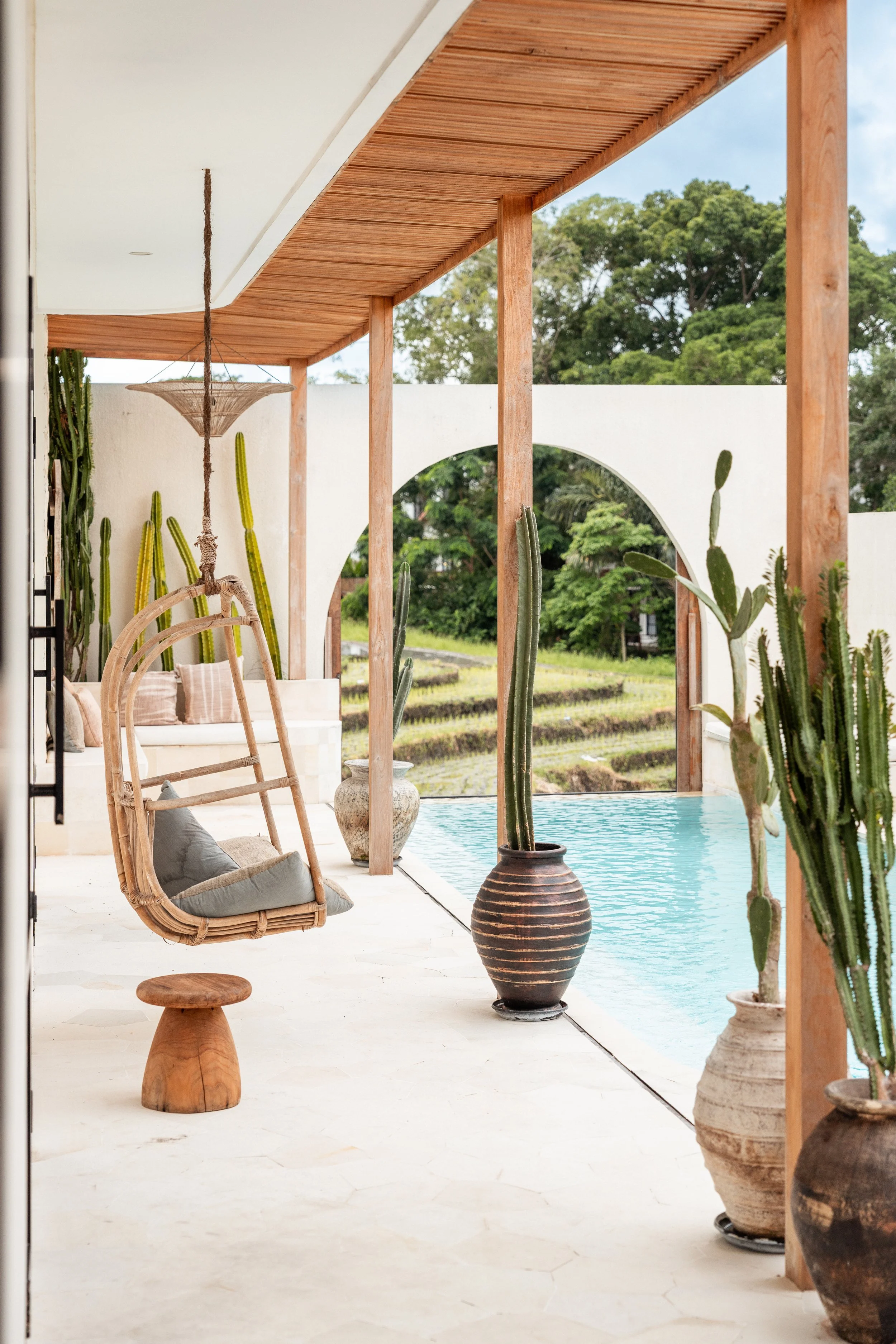
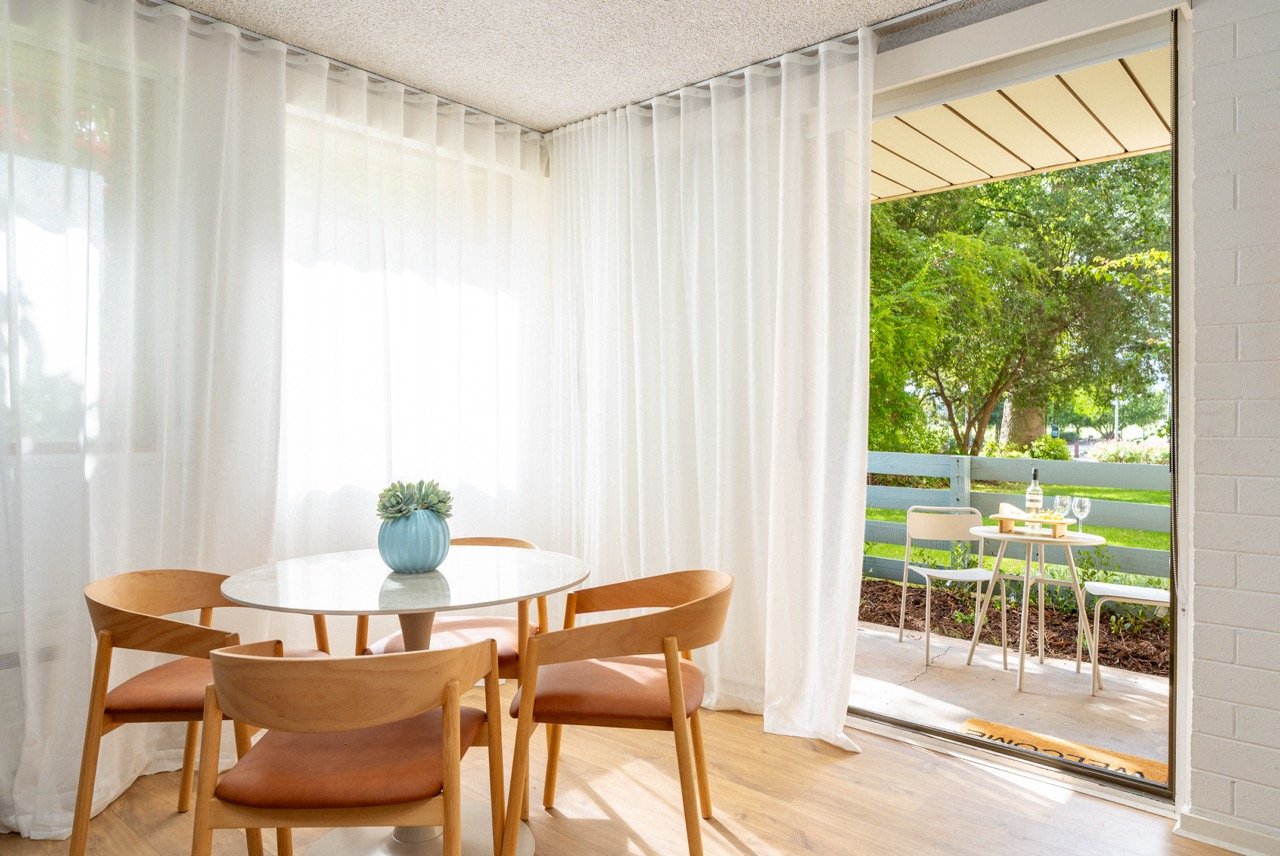
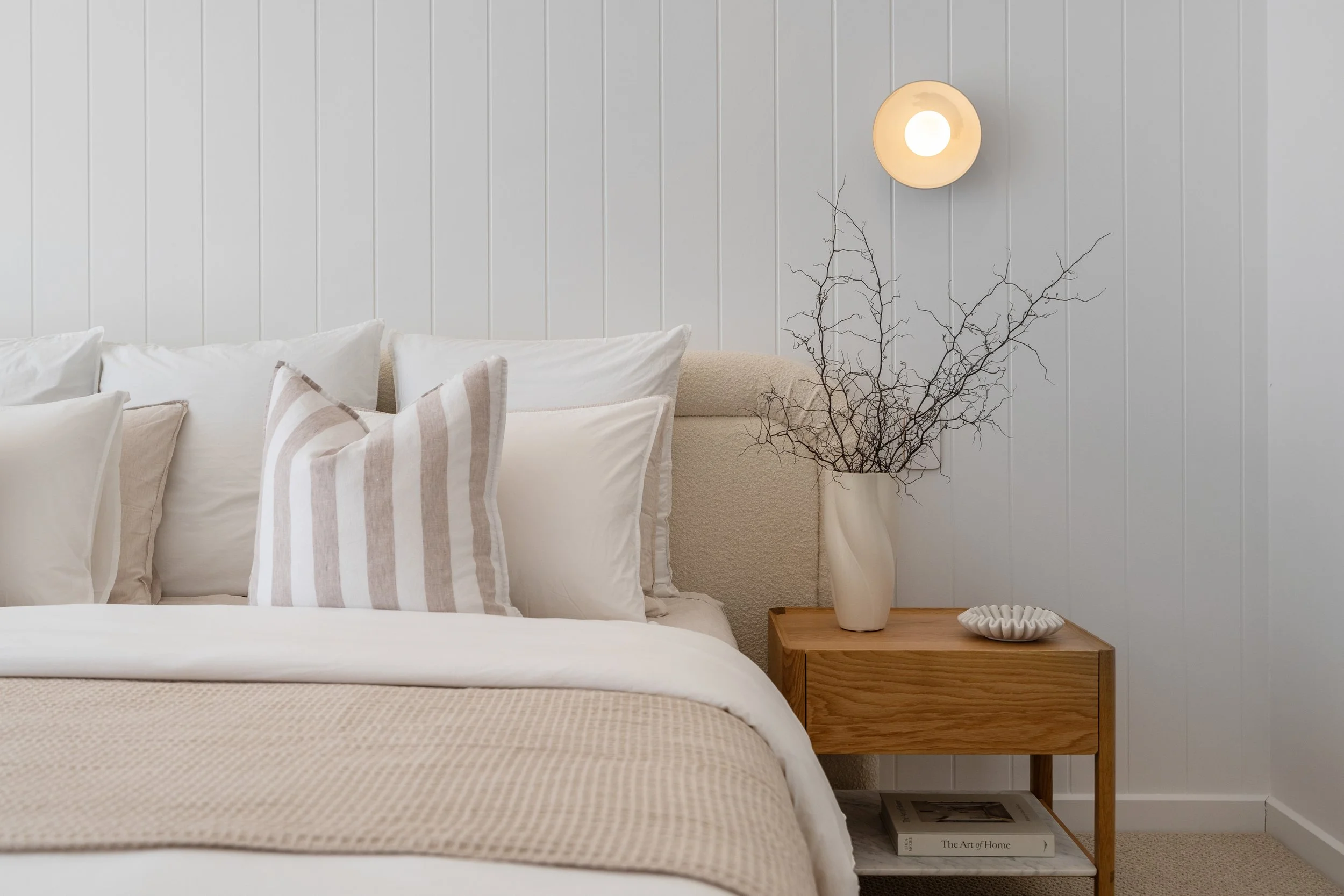
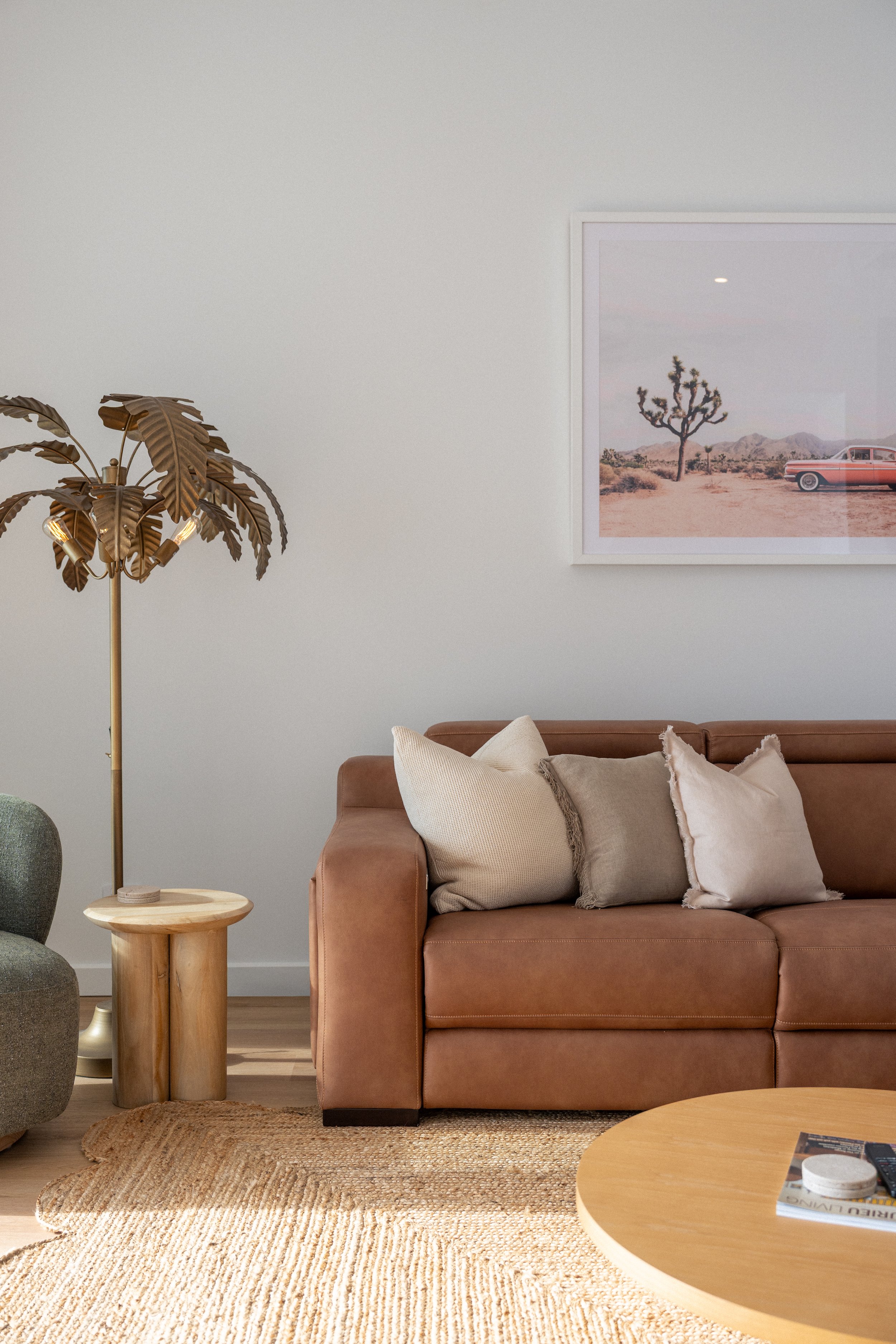
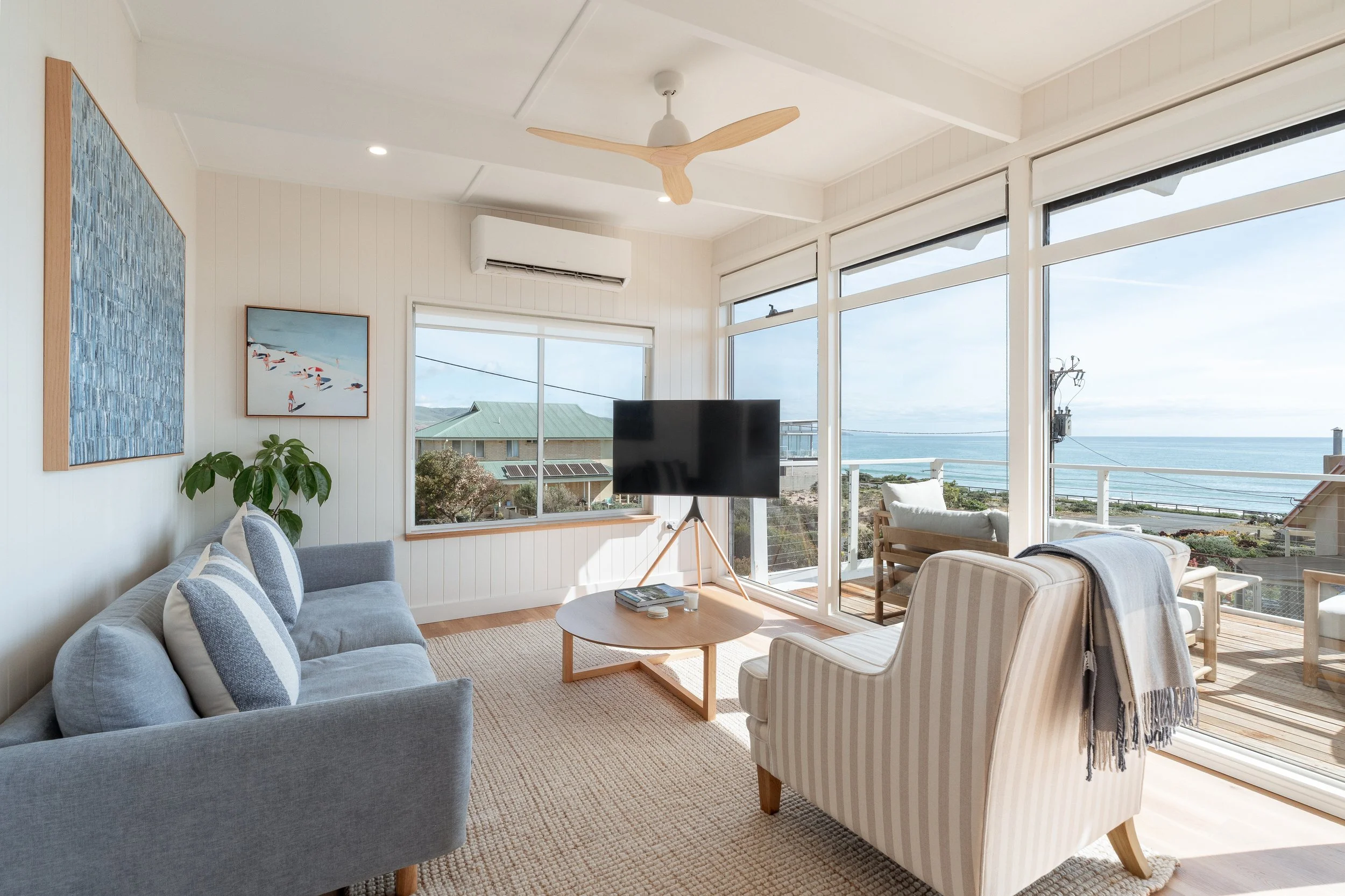
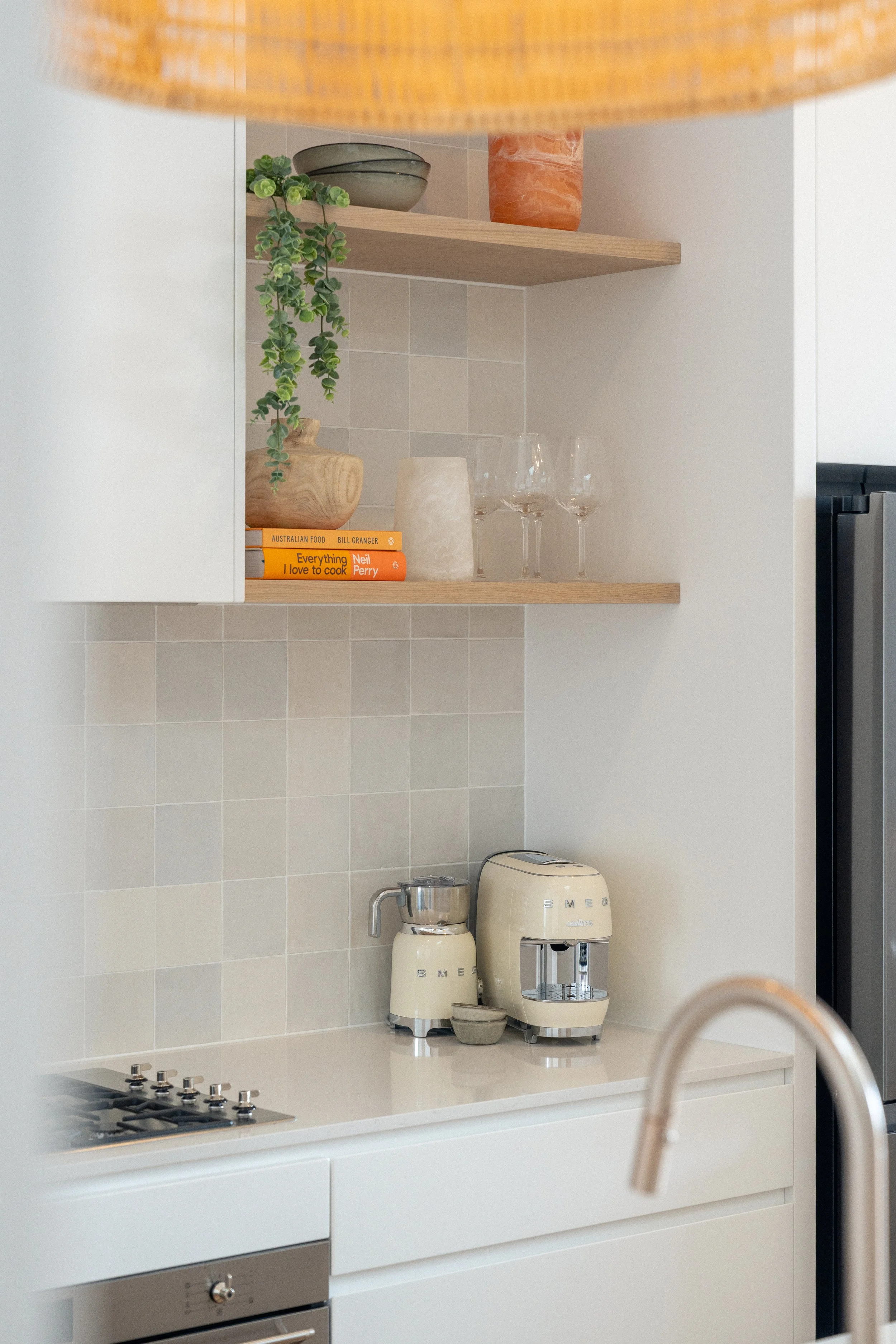
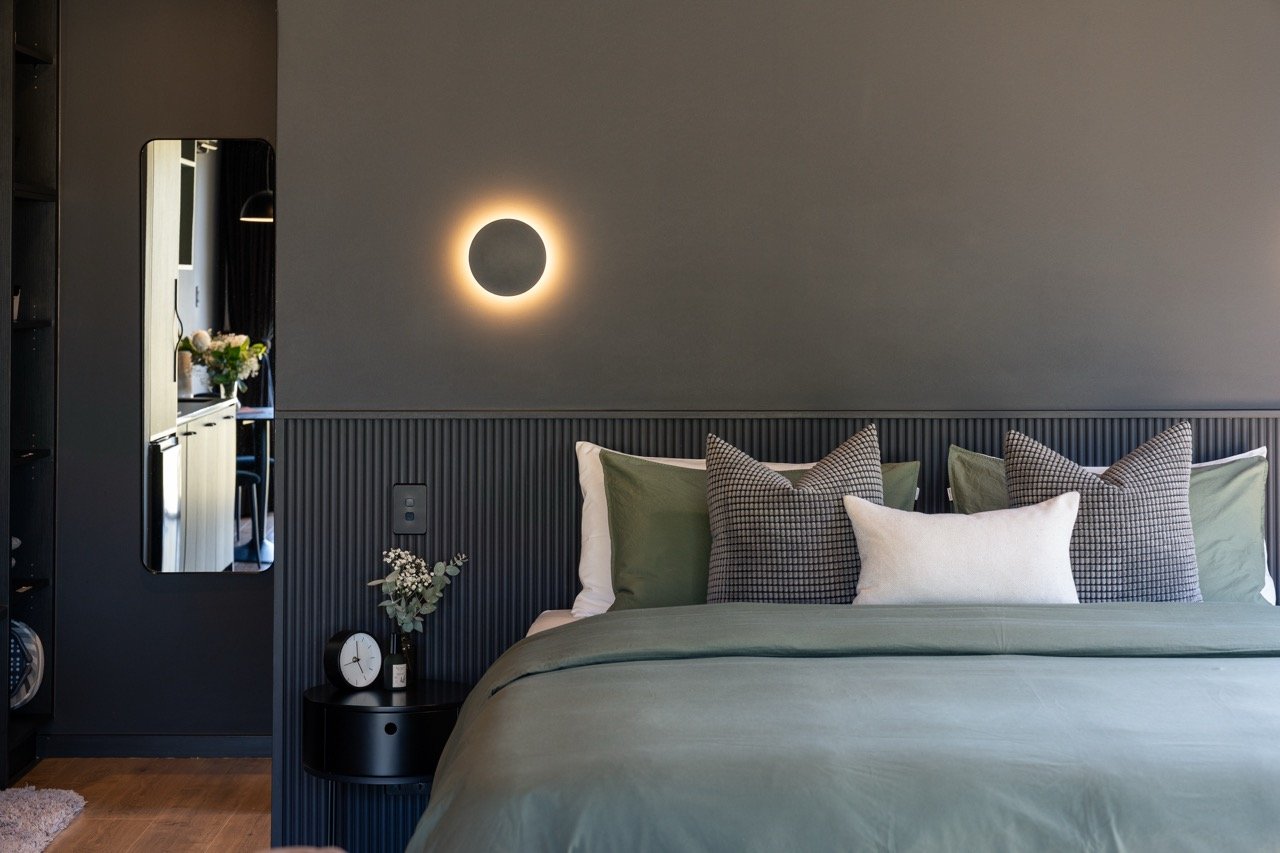
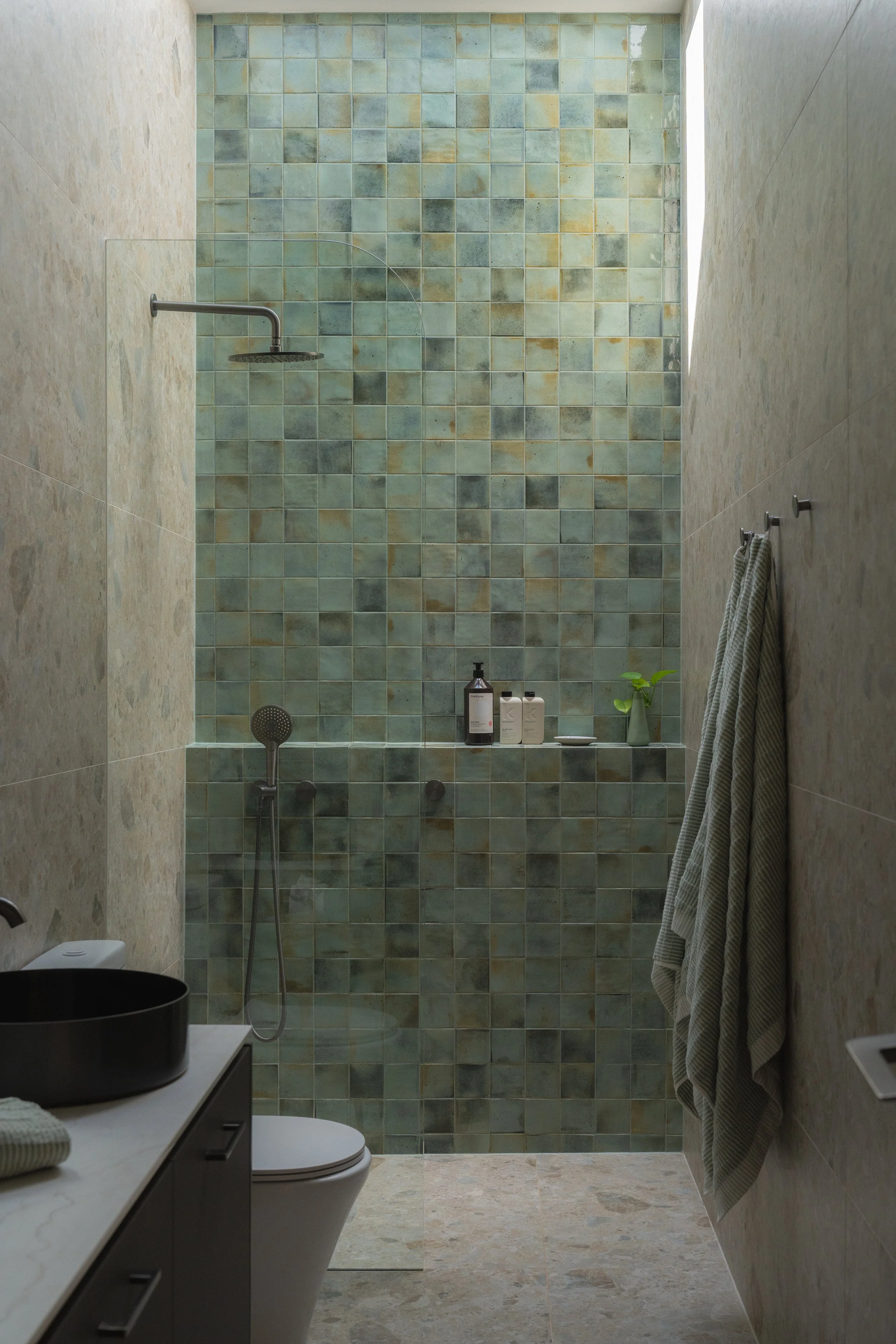

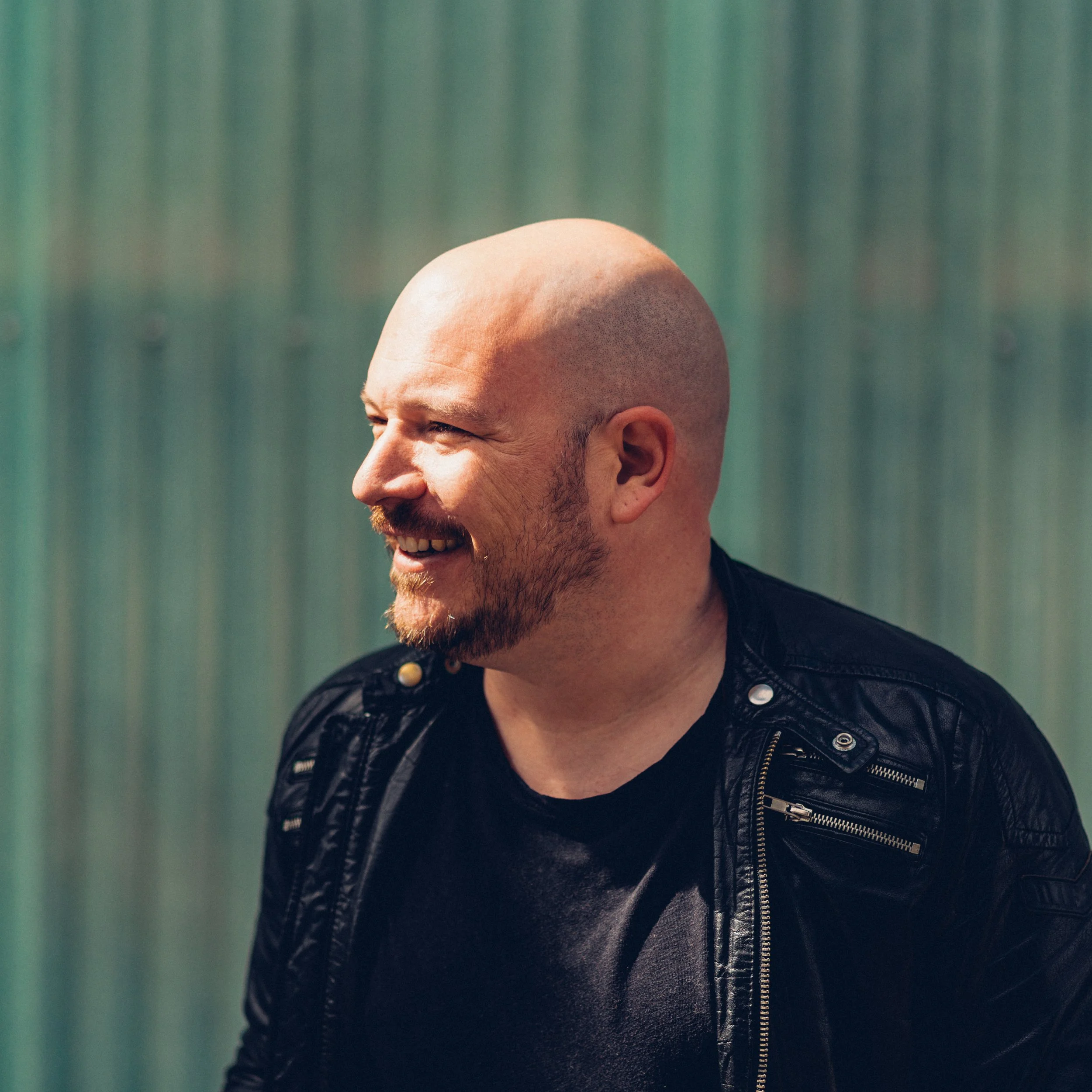
“THE MORE SHORT-TERM RENTAL AND LUXURY PROPERTIES I SHOT, THE CLEARER IT BECAME — GENERIC PRESETS COULDN’T KEEP UP. SO I BUILT SOMETHING THAT COULD.”
I’m Jem Lang — a property photographer based in South Australia. I’ve spent years shooting Airbnb and short-term rental properties across the state, as well as luxury interior commissions, and I understand the technical demands that come with both. Master Tools was built from real shoot experience — not test conditions — to give you a consistent, professional foundation for every property, every time.
Frequently Asked Questions
-
Master Tools is built for Lightroom Classic and Lightroom CC Desktop, where the full system performs at its best. The presets also work in Lightroom Mobile however couple of the ‘look’ presets include adjustments with the calibration development panel which as of 2026 is not included in Lightroom Mobile.
-
Master Tools uses a layered approach across six preset groups. You start with a Base preset to set your tonal foundation and dynamic range, then apply a Look to set the colour and mood — completely independently. From there, optional Light, Touch, Mask, and Utility presets let you refine, finish, and fix without undoing earlier work. Each layer has a specific role, so your edit stays precise and easy to adjust at any point.
-
Yes. Master Tools was designed around real property shooting challenges — HDR, window pull, and bracketed exposures. The presets handle the situations you actually encounter on the job.
-
Instantly. You’ll receive a download link immediately after purchase — no waiting, no manual fulfilment.
-
Absolutely. Master Tools was built equally for high-end interiors and luxury property photography, not just Airbnb. The colour palette and tonal approach work across minimalist, warm, and richly styled interiors.
-
Master Tools comes as a .zip file containing the preset folders. Once unzipped, you import them directly into Lightroom Classic via the Preset panel — right-click, Import Presets, and you're done. Step-by-step installation instructions are included in the Master Tools Guide.
-
They work with both. RAW files give you the most flexibility — particularly for the Base presets where dynamic range recovery makes the biggest difference — but the system performs well on JPEGs too. If you're shooting JPEG, start with a more subtle Base and adjust from there.
-
28 presets across six groups — 7 Base, 9 Look, 3 Light, 4 Touch, 2 Mask, and 3 Utility — plus the 16-page Master Tools Guide.
-
Yes. Your download is yours to install on your own devices. Install it on your desktop, laptop, or both — however you work.
-
You don't need to be an advanced editor, but some familiarity with Lightroom Classic helps. The system is designed around a clear, logical workflow, and the Master Tools Guide walks you through it from the first preset to the finished edit. If you know how to adjust exposure and white balance, you're ready.
-
No. Master Tools and is an independent product and Jem Lang are not affiliated with, endorsed by, or associated with Airbnb, Inc. References to Airbnb throughout this page describe the short-term rental property market, not any partnership or association with the company.
-
Item description
READY TO DELIVER YOUR BEST EDIT. EVERY TIME.
No subscription. Use Master Tools on every shoot from here.
Launch Special: $59 USD Standard Price: $79 USD
MASTER TOOLS: The Luxury Property Edit System for Lightroom Classic & Lightroom CC Desktop
This isn’t a preset pack. It’s a system.
Most preset packs give you a one-click filter and leave you fighting the result. Master Tools was built differently, around a single principle that changes the way you edit: tones and colour are handled separately.
That means every stage of your edit has a clear role. You build from the foundation up, with full control at every step. The result is consistent, high-end work that makes every property look like it’s worth booking.
WHAT’S INCLUDED
A. Base (7 presets). Your tonal foundation. From high-impact dynamic contrast to a refined editorial matte, choose the starting point that suits the scene, not a one-size-fits-all default.
B. Look (9 presets). The colour and mood of your image, without touching your exposure. Warm and grounded. Crisp and coastal. Vibrant and confident. Nine distinct looks to match any property, any light.
C. Light (3 presets). Subtle tools that shape how light feels. Highlight warmth, soft glow global, and soft glow highlights. Optional, but transformative.
D. Touch (4 presets). Grain in three strengths and a light vignette. Adds analogue depth and a composed, finished quality without sacrificing the polish that property work demands.
E. Mask (2 presets). Targeted fixes for the problems that slow you down. Sky Saver recovers blown highlights. Wall Desaturation neutralises competing colour casts. Both applied precisely, without touching the rest of your edit.
F. Utility (3 presets). Workflow tools that keep your edit flexible. Reset your Base without losing your Look. Swap colour grades without starting over. Stay in flow.
The Master Tools Guide. A 16-page PDF walkthrough covering the layer system, recommended combinations for every property type, and an HDR and window pull workflow, so you’re editing with confidence from day one.
YOUR FIRST EDIT TAKES 30 SECONDS
Apply a Base, set your exposure and white balance, choose a Look, then layer in Light, Touch, and finishing tools as needed.
You can swap your Base or Look at any point without breaking your edit.
BUILT FOR LIGHTROOM CLASSIC & LIGHTROOM CC DESKTOP
Master Tools is built for Lightroom Classic and Lightroom CC Desktop, where the full system performs at its best. It also runs in Lightroom Mobile. A few of the Look presets use the Color Calibration panel, which Mobile doesn’t yet include, so those apply with a minor variation. The look still holds, and the rest of the system works exactly as designed.
WHO THIS IS FOR
Master Tools is for property photographers who are done settling for inconsistent results. Whether you shoot short-term rentals, luxury real estate, or high-end interiors, if your editing needs to match the standard of the spaces you shoot, this is the system that gets you there.
If your clients need images that stand out in a crowded market and actually drive bookings or sales, this was built for you.
It also works beautifully for high-end interior and luxury real estate photography.
Consistent. Refined. Professional.
Crafted by Jem Lang | jemlang.com